Accept every payment with your iPhone — cards, contactless and QR. No extra hardware, no setup delays.
Get started in just 15 minutes.










An iPhone is all you need. No card reader to buy, no terminal to rent, no setup delays.
Running a business is hard enough. Getting paid shouldn't be.

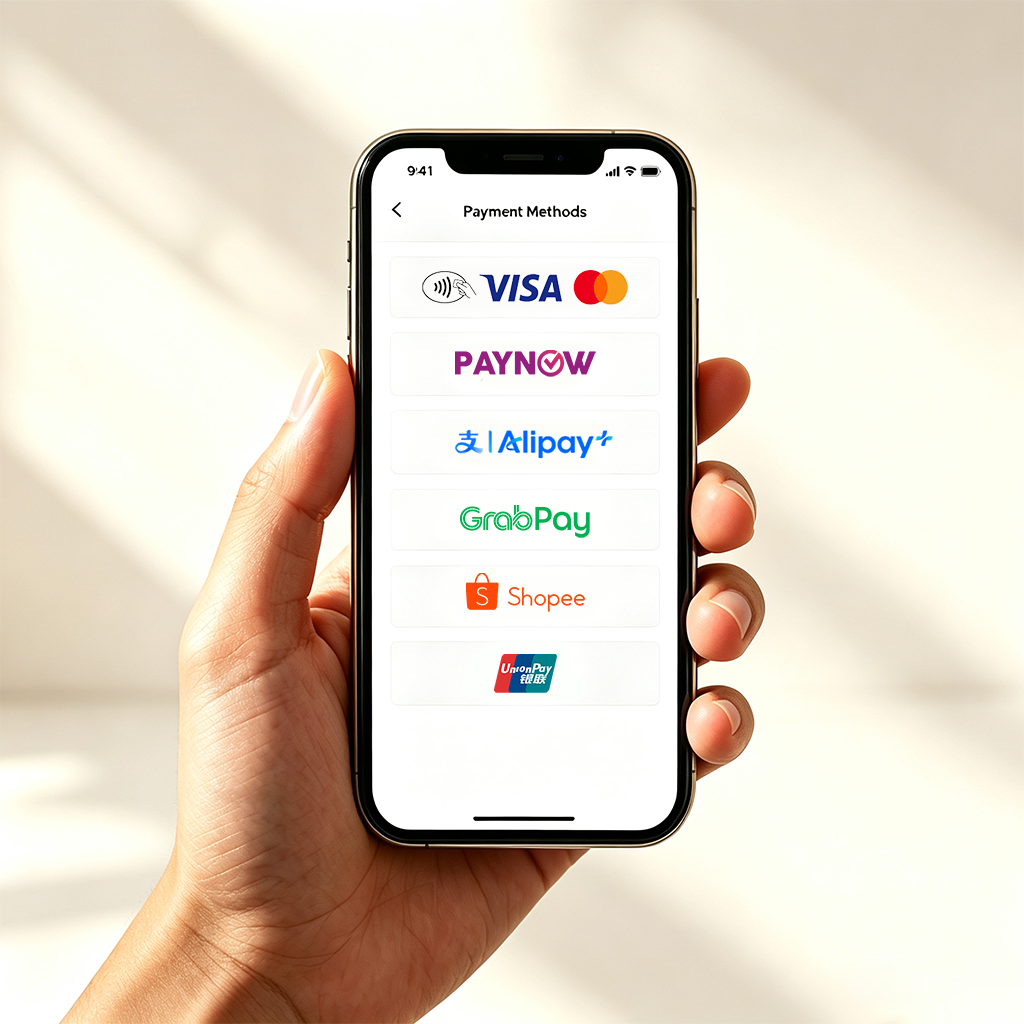
With FOMO, bank cards and local e-wallets live in a single app — from PayNow and GrabPay to SimplyGo and more. Whatever your customer wants to use, you can accept it.

FOMO Pay is a licensed payment institution in Singapore backed by years of experience processing payments for businesses. Your daily takings deserve a partner you can trust.

We rebuilt our sign-up flow to meet Apple's efficiency standards. From app download to your first payment: 15 minutes.

FOMO helps you track your earnings, manage cash flow, and access credit when you need it, because running a business takes more than just getting paid.
Not every sale happens behind a retail counter. From hawker stalls to markets, home businesses to door-to-door deliveries — wherever your customers find you, your iPhone is ready to take payment.


Enter the amount, hold your iPhone out to your customer, and let them pay by card, phone, or e-wallet.

Enter the amount on your iPhone

Hold your iPhone out to your customer

Customer makes payments via card, phone, or e-wallet

Payment confirmed, and you're done





Getting paid is only the beginning. FOMO is turning your merchant account into the foundation your business runs on.
From getting paid, to running the business, to growing it, we're together with you.
From getting paid, to running the business, to growing it, we're together with you.

Settlement & reports

Business credit

FOMO Merchant Card

Payment Link · e-Receipts
Your information is always protected.
Every payment is safe and reliable.
We protect your privacy at every step.
Your security is our priority.
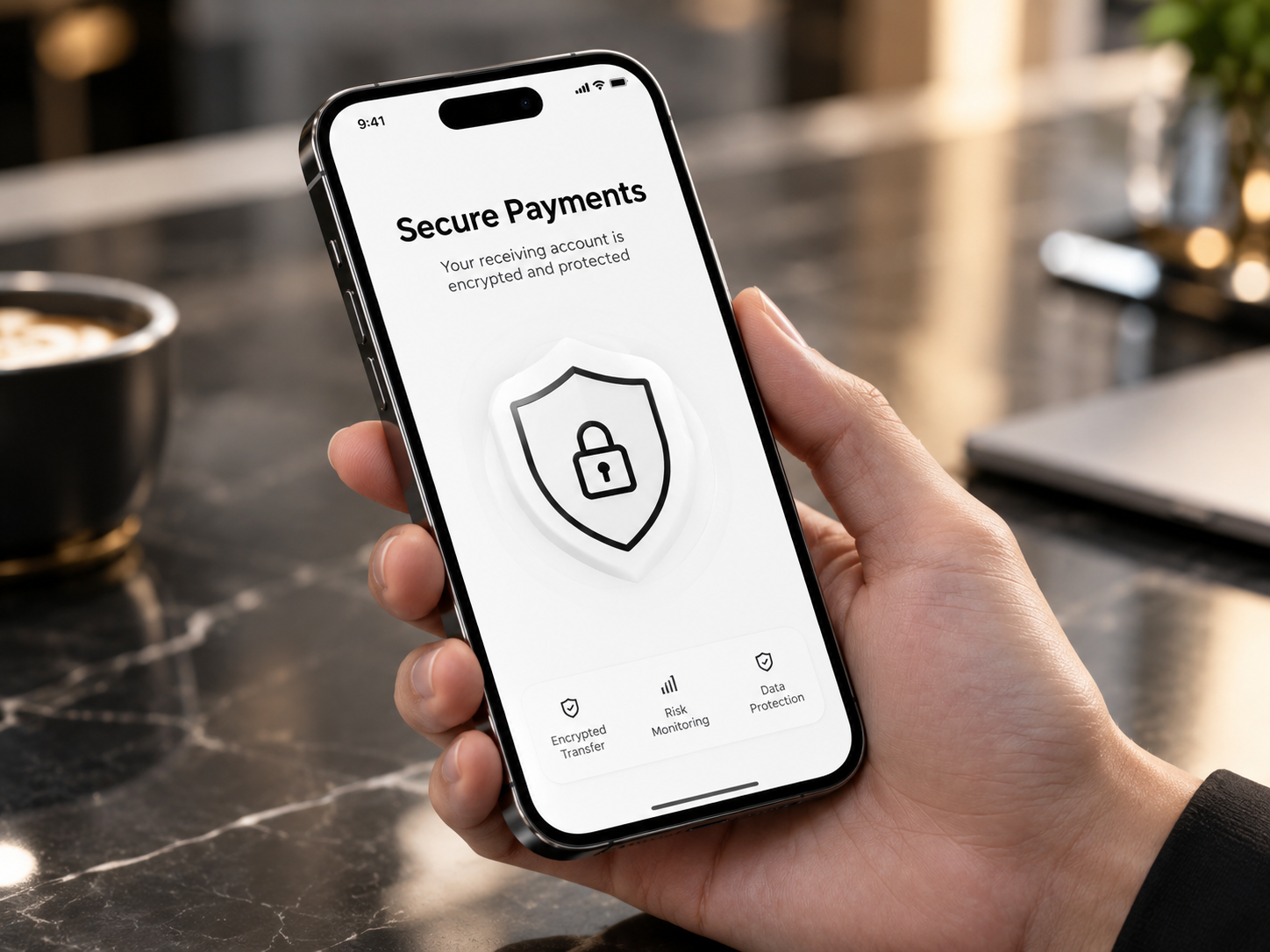
Backed by FOMO Pay, a licensed payment institution in Singapore. Transactions are encrypted end-to-end, risk is monitored in real time, and everything runs on industry-standard payment infrastructure. Tap to Pay on iPhone is protected by the Apple's built-in security, and card numbers are never stored on your device.
Your information is always protected.
Every payment is safe and reliable.
We protect your privacy at every step.
Your security is our priority.
We are often asked...
Register, verify, and start accepting payments — 15 minutes end to end. Details autofill, so there's less to type.
No. With Tap to Pay on iPhone, read contactless cards and accept Apple Pay and other wallets. No reader, no rental.
None. Just your business UEN — no document uploads needed to verify and start accepting payments.
FOMO Merchant currently runs on iPhone, as our Tap to Pay feature relies on iOS. Android support is on our roadmap.
Yes, a small Merchant Discount Rate (MDR) applies per transaction. Your exact rate depends on your industry and business profile, and is confirmed during onboarding. Rates are always competitive.
No. There's no monthly fee or subscription — you only pay per-transaction fees when you receive payments.
Yes. FOMO Merchant accepts international cards via Tap to Pay on iPhone, along with a range of QR wallets for cross-border and local payments.
Download FOMO Merchant and start accepting payments on your iPhone.
Requires a device that supports Tap to Pay on iPhone (iPhone XS or later, running the latest iOS).